Supported Languages
25 Languages via Groq Whisper
QuickSay supports the following languages for voice-to-text transcription:
| Language | Code | Language | Code |
|---|---|---|---|
| English | en | Korean | ko |
| Spanish | es | Dutch | nl |
| French | fr | Polish | pl |
| German | de | Portuguese | pt |
| Italian | it | Romanian | ro |
| Japanese | ja | Russian | ru |
| Chinese (Mandarin) | zh | Swedish | sv |
| Arabic | ar | Thai | th |
| Czech | cs | Turkish | tr |
| Danish | da | Ukrainian | uk |
| Finnish | fi | Vietnamese | vi |
| Greek | el | Indonesian | id |
| Hindi | hi |
Setting Your Language
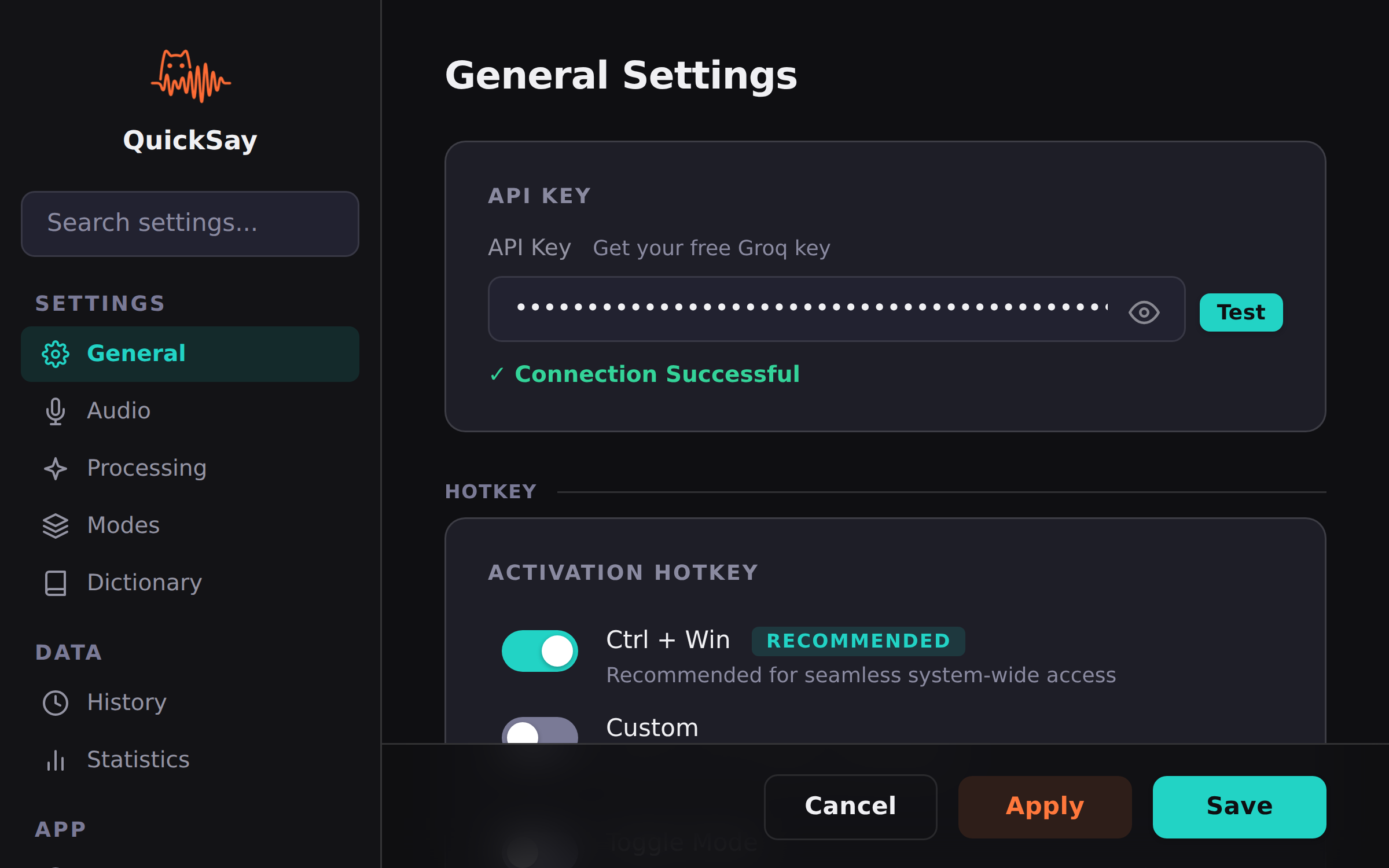
- Open QuickSay from the system tray.
- Go to Settings and find the Language section.
- Select your preferred language from the dropdown, or choose Auto-detect.
Automatic Language Detection
When set to Auto-detect, Groq Whisper identifies the spoken language automatically. This works well for single-language dictation. If you frequently switch between languages mid-session, setting a specific language yields better accuracy.
Language and Text Cleanup
AI text cleanup adapts to the detected language. Punctuation rules, capitalization conventions, and formatting are applied according to the language’s norms. For example, Spanish dictation automatically includes inverted question marks where appropriate.
Tips for Multilingual Use
- Set the language explicitly if you’re dictating in a language other than English for the best accuracy.
- Custom dictionary entries are language-aware. You can add terms specific to each language.
- Voice commands are recognized in English regardless of the dictation language. This may expand in future updates.